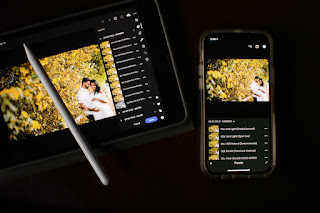
HOW TO click PORTRAITS on iPHONE
Taking portraits on an iPhone can yield impressive results with the right techniques. Here are some tips to help you capture stunning portrait photos: 1. Utilize Portrait Mode: iPhones come with a Portrait mode feature that automatically creates a depth effect, blurring the background while keeping the subject in focus. This feature can be found in the camera app. 2. Find Good Lighting: Lighting is crucial for any photograph. Natural light often works best for portraits. Look for soft, diffused light, such as during golden hour (the hour after sunrise or before sunset), or on an overcast day. Avoid harsh sunlight, as it can create unflattering shadows. 3. Compose Carefully: Pay attention to your composition. Ensure your subject is well-centered and consider the background. Look for simple backgrounds that won't distract from the subject. 4. Keep the Lens Clean: Smudges or dirt on the lens can affect the clarity of your photos. Before taking a portrait, wipe the lens clean with a...